
Vesper Tools
The tools I build for my own audits, published in open access. Free, with no account needed, and held to the same accessibility standards as what I audit.
-
Published
Vesper Toolkit
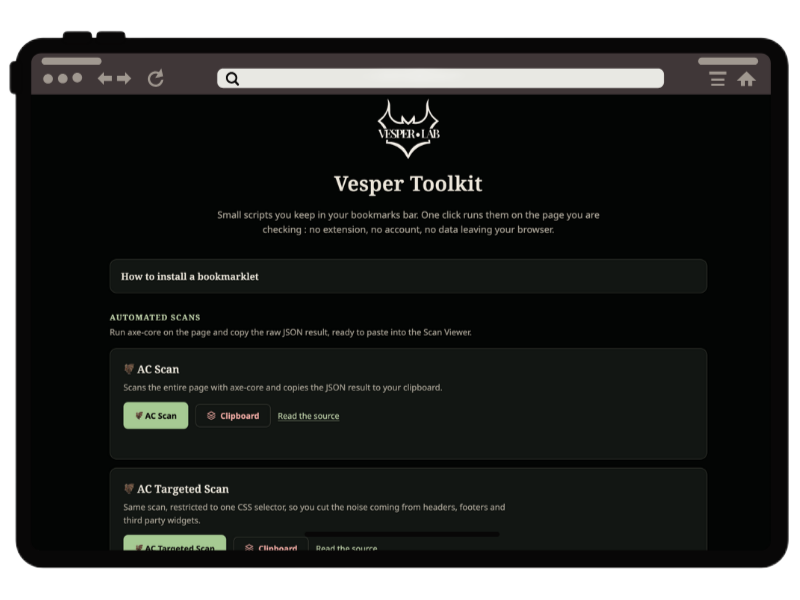
A dozen accessibility-testing tools in your bookmarks bar. No extension, no sign-up, no data that leaves the browser.
- What it's for
- Running automated scans of a page to get a first read: axe-core, contrast, tab order, accessible name, heading hierarchy, form labels, and several other targeted tools.
- How to use it
- Drag the bookmarklets from the install page (toolkit.vesperlab.dev), then click one on the page you want to test.
- What it doesn't do
- Doesn't replace a manual check: axe-core only catches part of the WCAG criteria, the rest is still down to human judgment.
- Technology and license
- Vanilla HTML/CSS/JS, no dependencies, MIT licensed.
Currently available in English only; a French translation is in progress.
-
Published
Vesper Library
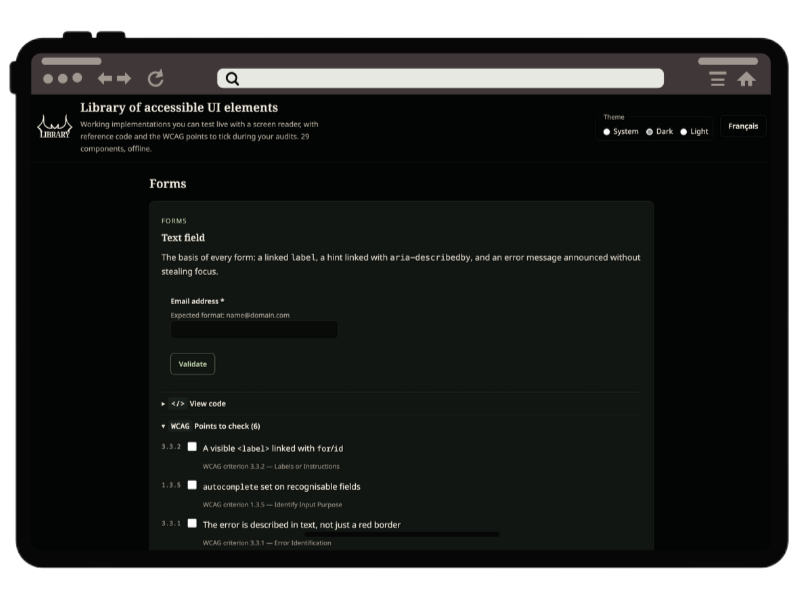
A library of accessible interface components: a demo to try with keyboard and screen reader, a code snippet, and a WCAG checklist for each one.
- What it's for
- 29 common interface components (menus, forms, dialogs, tabs…), each tested with a screen reader, with reference code and the WCAG 2.2 criteria to check point by point.
- How to use it
- Search for a component, copy the code snippet, or turn on Report Mode to check off verified points during a diagnostic and export your annex. Directly from (library.vesperlab.dev)
- What it doesn't do
- Doesn't cover components that are very brand-specific: the 29 entries stay generic patterns, to be adapted to context.
- Technology and license
- Static HTML/CSS/JS page, no dependencies, self-hosted fonts, MIT licensed.
Bilingual French/English: the language toggle translates all the content, not just the interface.
-
Published
Vesper Compass and Sonar
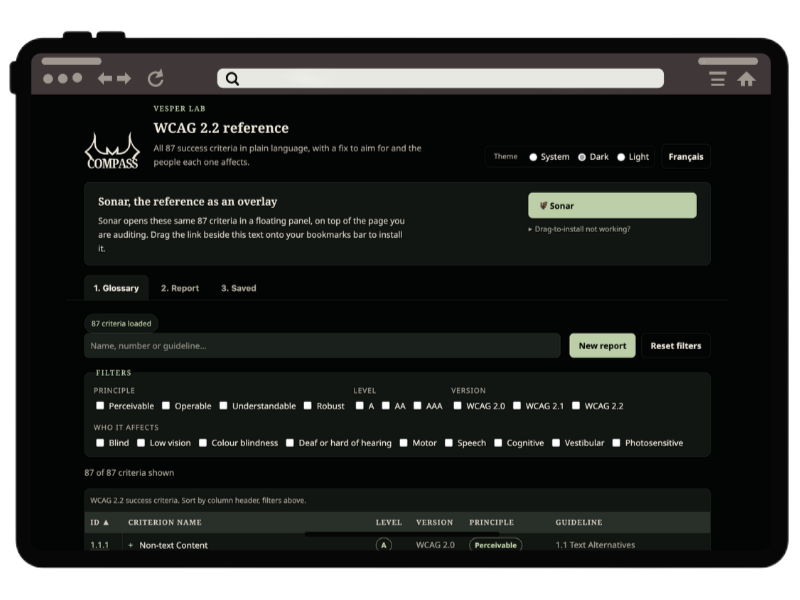
An educational, filterable reference of the WCAG 2.2 criteria, to better grasp digital accessibility and understand the real needs behind the code.
- What it's for
- Keeping the digital accessibility criteria close at hand, understanding them, pulling them up whenever needed, and putting real human needs behind the rules.
- How to use it
- Install the Sonar bookmarklet to display Compass in a window, right on the page you're visiting. Visit (compass.vesperlab.dev) for the full glossary, with a search bar.
- What it doesn't do
- Replace the official texts! Compass exists to make the regulation approachable and human, not to serve as an authority in an accessibility remediation process.
- Technology and license
- Static HTML/CSS/JS page, no dependencies, self-hosted fonts, MIT licensed. The criteria come from the same dataset as Toolkit, generated once for both.
-
Published
Vesper AC Viewer
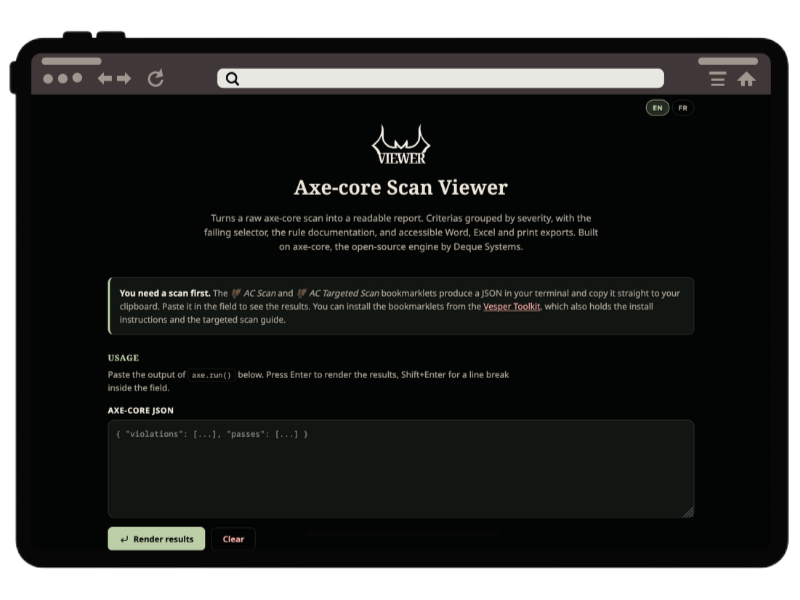
The best companion to the Toolkit bookmarklets, for viewing and exporting your scan results.
- What it's for
- Viewing the results of the 🦇 AC Scan and 🦇 AC Targeted Scan bookmarklets in an accessible way, showing details, and exporting the data in several formats.
- How to use it
- Visit (the Viewer page) and paste your results. The bookmarklets are available on (toolkit.vesperlab.dev)
- What it doesn't do
- Doesn't run a scan itself: you first need a JSON produced by AC Scan (or one of Toolkit's other scans that exports in the same format) to paste in. The report stays axe-core's raw output: to sort through and interpret like any automated scan.
- Technology and license
- Standalone HTML/JS page, but it loads two external libraries from a CDN to generate the exports: ExcelJS (.xlsx) and docx.js (.docx). MIT licensed.
-
Published
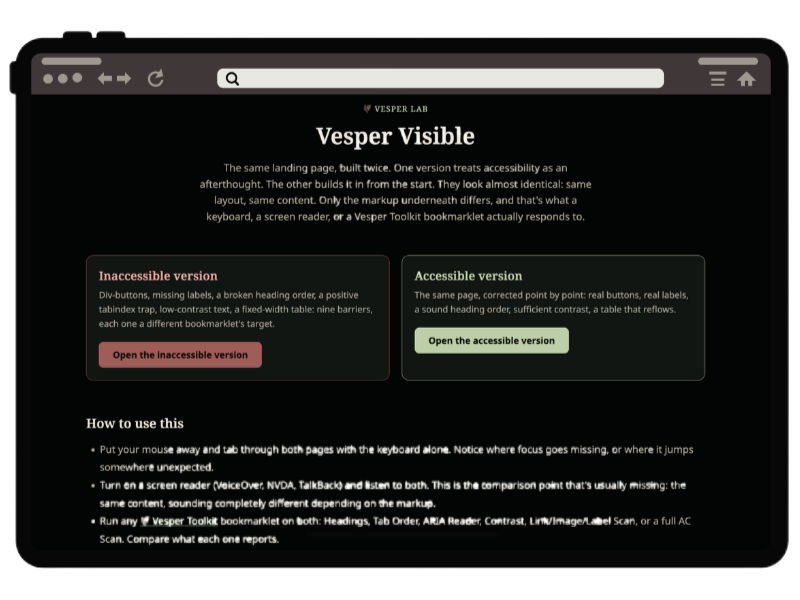
Vesper Visible
One and the same site, two pages: one designed to be accessible from the start, the other where accessibility was improvised. See — and hear — the differences for yourself, if you can find them.
- What it's for
- Understanding accessibility concretely through a direct comparison, trying out the (Vesper Toolkit) bookmarklets, watching automated scans in action and understanding their limits, opening up the field of the visible.
- How to use it
- Visit (Vesper Visible) and run your own experiments: you can use the bookmarklets from the (Vesper Toolkit), color tools, a screen reader, and your browser's dev tools. To dig even deeper, several accessibility barriers stay invisible to any scan.
- What it doesn't do
- The site itself serves no real function: it doesn't represent a business and has no real pages or content to offer. It also won't hand you (all) the answers directly: they're scattered through the scan results, the code, and various toggles, but no link will compare the elements side by side for you.
- Technology and license
- Three static HTML/CSS/JS pages, no dependencies, self-hosted fonts, MIT licensed.